Simple. Clear. Discreet.
See the next instruction, distance and useful road or destination information at a glance.
Minimalist navigation for motorcycles
On or Offline. No Subscription. No Roaming Data.
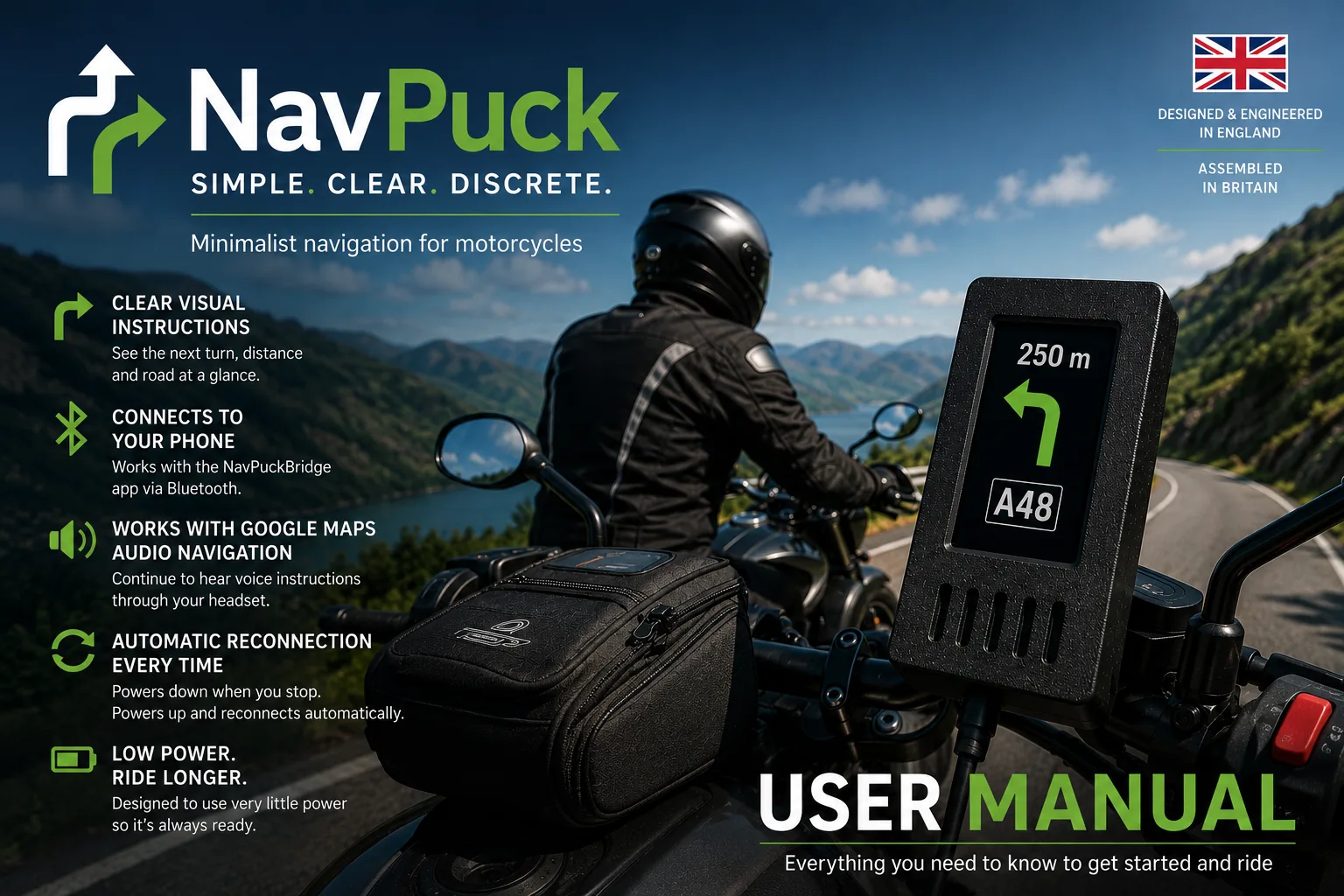
NavPuck works alongside Google Maps to give you the essential navigation instruction at a glance, without putting a full map on the motorcycle.
The idea
Google Maps handles the route. NavPuckBridge extracts the live navigation information. NavPuck shows what matters.
See the next instruction, distance and useful road or destination information at a glance.
Use Google Maps with downloaded map areas where supported, so navigation need not depend on a continuous mobile-data connection.
NavPuck is a dedicated display and NavPuckBridge is designed to work with the navigation you already use.
Download the required Google Maps area before travelling and avoid relying on roaming mobile data for the map.
How it works
The phone remains the navigation computer. NavPuck simply puts the important information where you can see it quickly.
Plans and provides the route.
Extracts the live turn-by-turn instruction from Google Maps.
Displays the essential instruction clearly and simply.
At a glance
NavPuck uses simple, highly visible symbols rather than a miniature map. The display can show straight ahead, left and right turns, sharp turns, keep-left and keep-right instructions, roundabouts and useful navigation labels.
A clear symbol shows what the rider needs to do next.
Distance counts down as you approach the instruction.
The display can show the next road, town, junction or signposted destination when useful.
The remaining journey distance is shown in kilometres.
If you go off route, Google Maps recalculates and NavPuck follows.
Distances are shown in metres and kilometres for consistency and clarity.
Built with purpose
A small, independent project focused on doing one job well.
No subscriptions. No unnecessary features. No distractions.
About NavPuck
The NavPuck mark
The Anglo-Saxon Futhorc rune associated with travel, journey and riding.
A fitting symbol for a navigation display built for the ride.
Get started
The User Guide covers NavPuckBridge setup, pairing, everyday use, Google Maps navigation, automatic reconnection, troubleshooting and safety.
Open User Guide