Before your first ride
You will need
- A smartphone with Google Maps installed
- The NavPuckBridge app
- A powered NavPuck
- Bluetooth enabled on your phone
NavPuckBridge V5
Everything you need to know to get started and ride with NavPuck.
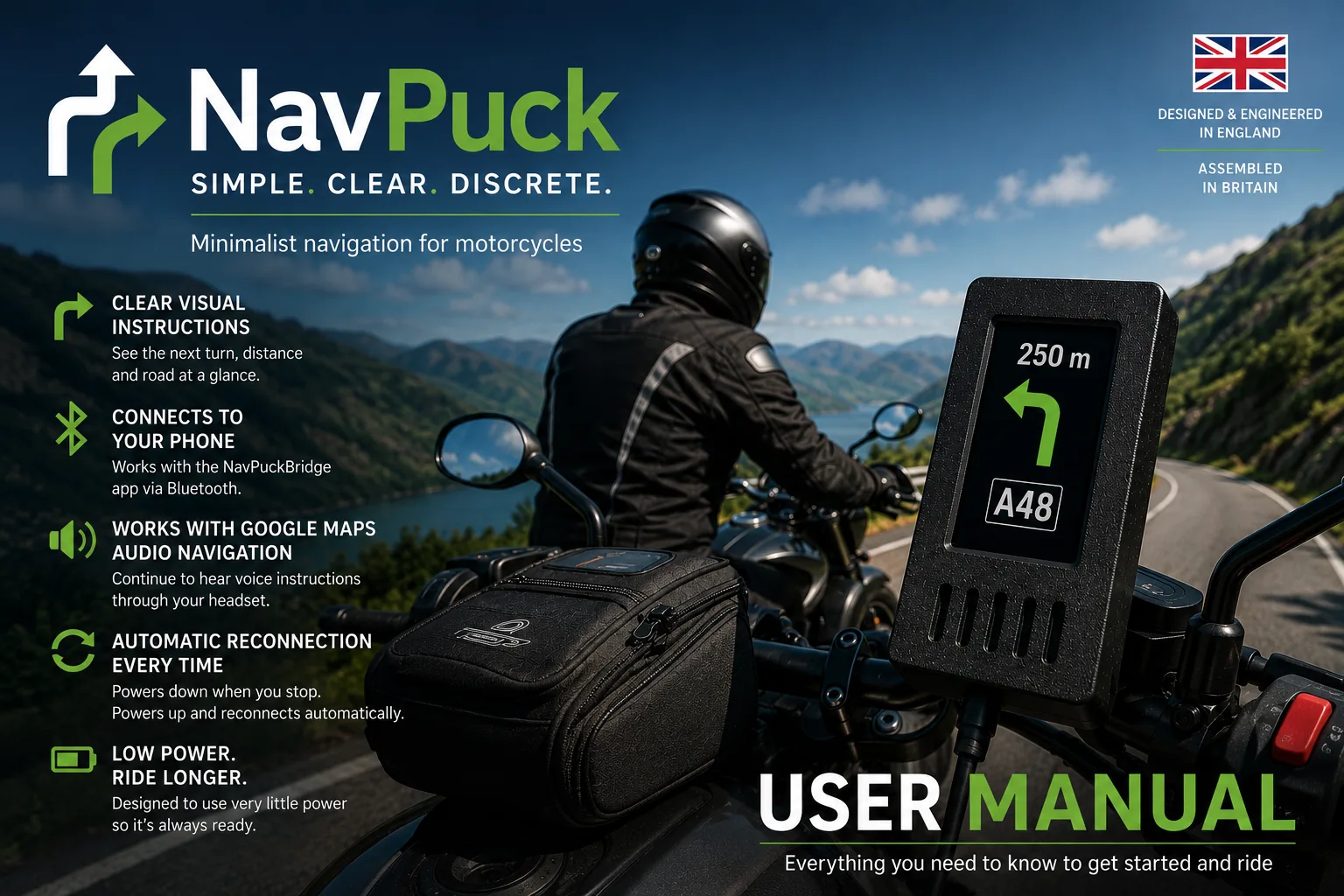
The current guide covers app setup, Bluetooth permissions, first-time pairing, everyday use, Google Maps navigation, automatic reconnection, phone screen-off operation, audio navigation, display information, troubleshooting, tips and safety.
Distances are shown in metres and kilometres for consistency and clarity.
Before your first ride
Important
NavPuck must be powered from a 5V USB supply only. Do not connect it directly to 12V or modify the cable, as this will permanently damage the device.
Safety
Always prioritise road awareness. Do not interact with your phone while riding. Mount NavPuck where it is easy to glance at and start navigation before riding.